Is that 3D printer really for you?
We go through owner reports, the maker's own specs and independent tests for each printer. Each guide says who the printer suits and who should skip it, and lists what to check before you pay.
Where to start
1Do you need a printer at all?Five questions about cost, space and how often you'd use it.Read the buying guide 2Find a printer for your projectsAnswer seven questions and we match you to one of nine models.Use the printer finder 3Compare two printersThe same nine buying questions, answered for both.See the comparisons 4Work out what a print costsIncludes power, wear, failed prints and marketplace fees.Open the calculator3D printer guides
Each guide covers one printer: who it suits, what it can print, what owners report after months of use, and the checks to make before buying.
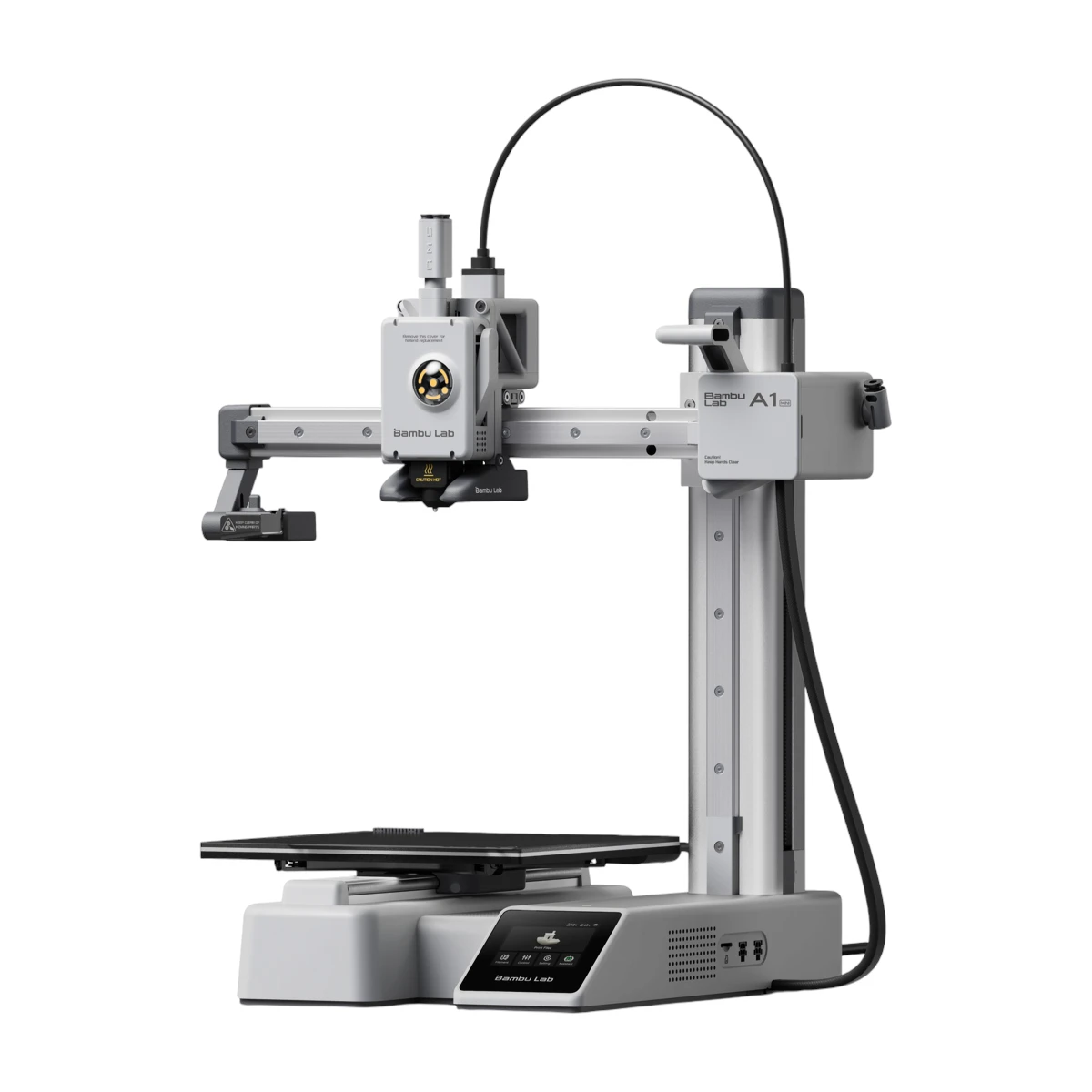 CompactBambu Lab A1 MiniA compact open-frame printer for small parts.Best for Small first projectsRead the guide
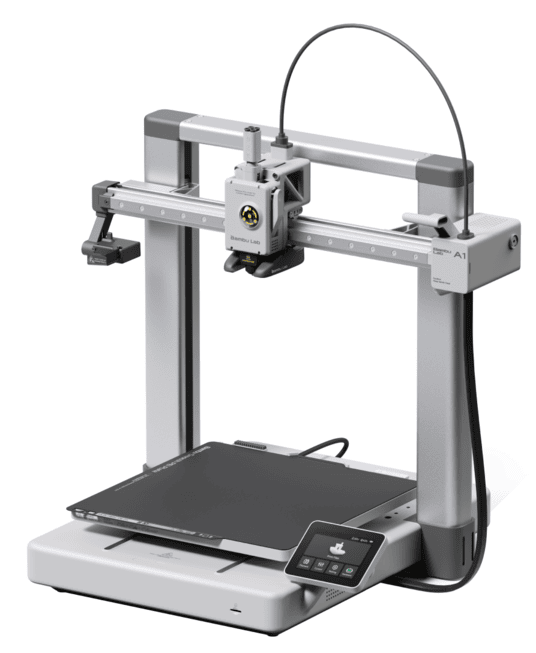 Bigger build areaBambu Lab A1An open-frame printer that prints pieces up to 256 mm.Best for A first printer with room for bigger partsRead the guide
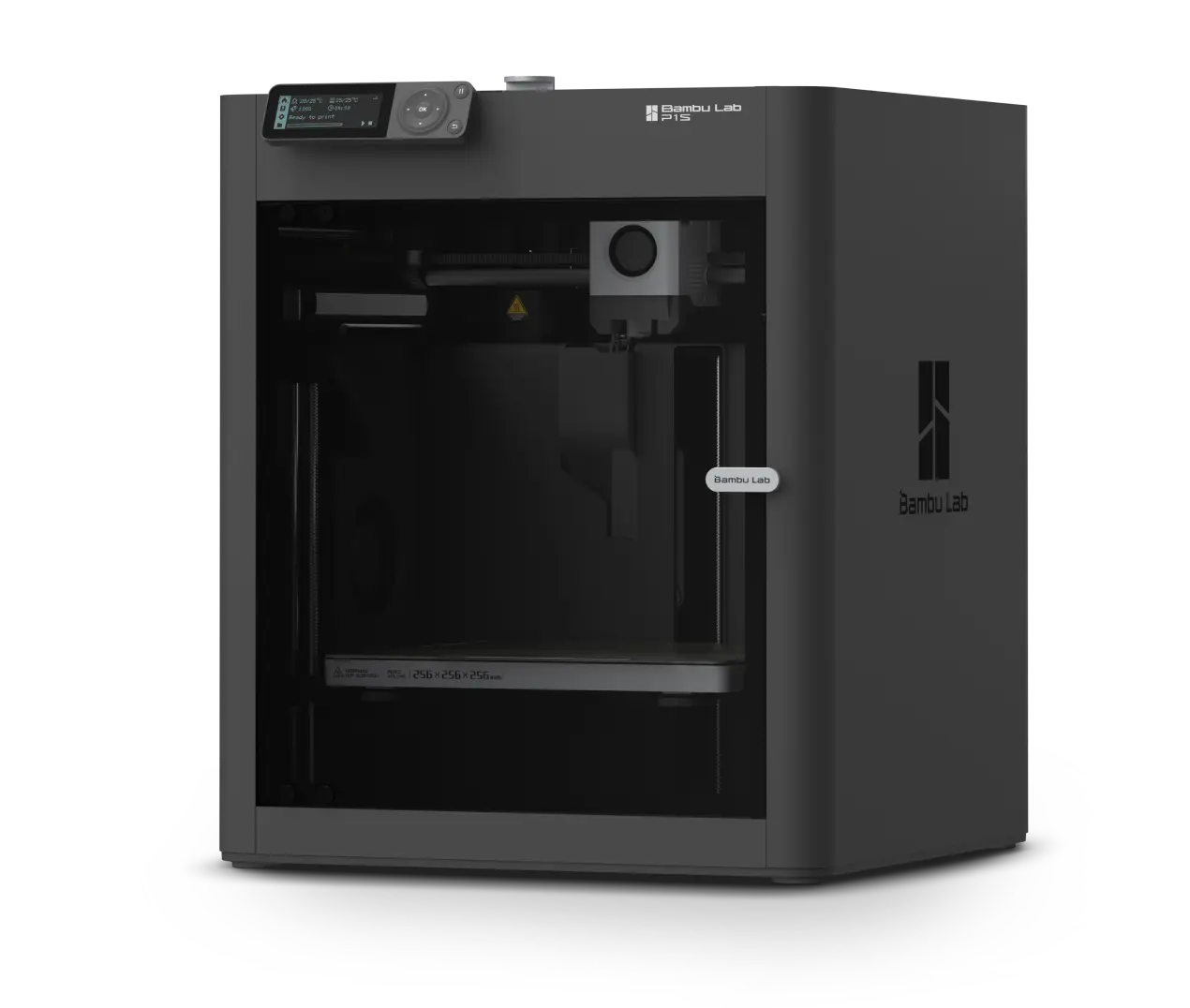 Closed boxBambu Lab P1SAn enclosed printer that can handle ABS and ASA.Best for Household parts and heat-resistant plasticsRead the guide
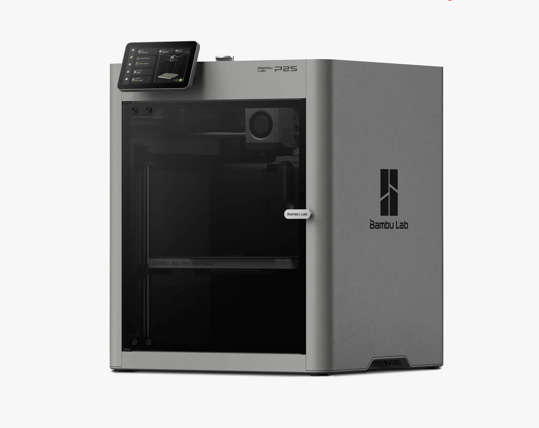 Closed box, newer modelBambu Lab P2SBambu Lab's newer enclosed printer, with a live camera.Best for Daily use and checking prints remotelyRead the guide
Head-to-head comparisons
Each comparison answers the same buying questions for both printers and says which one fits which kind of buyer.
vsBambu Lab A1 vs P1SA1 for everyday plastics and a lower price. P1S when you need a closed box for tougher plastics.vsBambu Lab A1 vs P2SA1 for everyday plastics and a lower price. P2S for a closed box, a better camera and its own color system.vsBambu Lab P1S vs P2SP1S if you want to save money. P2S for a live camera, faster nozzle changes and easier daily use.vsBambu Lab A1 vs A1 MiniA1 for prints bigger than 180 mm (7 in). A1 Mini for small prints on a tight budget or desk.vsBambu Lab P1S vs A1 MiniP1S for bigger parts and tougher plastics in a closed box. A1 Mini for small, quiet printing on a budget.vsBambu Lab P2S vs A1 MiniP2S for bigger parts, tougher plastics and a live camera. A1 Mini if your prints are small and you want to spend far less.How to choose a 3D printer that fits you
Go through these six points in order. By the end, most buyers are down to one or two models.
Measure the biggest thing you want to print
Print size is the one limit you can't upgrade later. The A1 Mini prints single pieces up to 180 mm (about 7 in) on each side. The A1, P1S and P2S go up to 256 mm (about 10 in). Measure the longest side of the largest piece you have in mind. Bigger projects can be printed in parts and joined, but every split adds work. If most of what you want fits in a 180 mm cube, the smaller printer costs less and takes less room.
Choose your plastics before your printer
PLA and PETG, the everyday plastics, print well on all four printers we cover, including the open-frame A1 and A1 Mini. ABS and ASA handle heat and sunlight better, but they shrink and warp as they cool. They need a closed printer such as the P1S or P2S, and a ventilated room. Fiber-filled filaments wear ordinary nozzles quickly, and the P2S comes with hardened parts for them.
Decide if you need more than one color
One color covers most useful prints. For several colors in one print, the four printers we cover each pair with Bambu's automatic feeder: the AMS Lite for the A1 and A1 Mini, and the AMS 2 Pro for the P1S and P2S. You can buy the feeder later or as a Combo. Every color change also wastes some plastic, so multicolor prints cost more and take longer.
Check where it will sit
On the A1 and A1 Mini the bed slides back and forth, so they need clear space in front and behind. A closed printer keeps dust out and hands away from moving parts. It does not make fumes safe by itself. Any printer needs a ventilated room, especially with ABS or ASA. If noise matters, owners who have an A1 Mini next to a larger Bambu printer often call the Mini the quieter one, though nobody has measured them side by side.
Add up the running costs
On top of the printer, budget for filament, electricity, wear parts such as nozzles and build plates, and plastic lost to failed prints. Bambu's own figures put average power while printing PLA at about 80 W for the A1 Mini and about 95 to 105 W for the A1 and P1S. Our cost calculator turns your own numbers into a cost per print.
Buy from the official store
Buy from the maker's own store so returns and warranty are simple, and read the return and warranty terms before you order. Each of our guides ends with the checks to make before you pay, including any safety notice for that model. If you're still unsure whether you need a printer at all, start with is a 3D printer worth it?
Which printer fits which buyer?
The four printers we cover. Click a name for the full guide.
| Printer | Largest piece | Frame | A good fit if | Think twice if |
|---|---|---|---|---|
| Bambu Lab A1 Mini | 180 mm (7 in) cube | Open | It's your first printer and your projects are small | You need bigger pieces or ABS and ASA |
| Bambu Lab A1 | 256 mm (10 in) cube | Open | You want an easy first printer with room for bigger parts | You plan to print ABS or ASA |
| Bambu Lab P1S | 256 mm (10 in) cube | Closed | You want household parts and tougher plastics for less | A better camera and easier daily use matter more |
| Bambu Lab P2S | 256 mm (10 in) cube | Closed | You want easy daily use, a live camera and fiber-filled filament | Saving money matters more than those extras |
Questions first-time buyers ask
Which 3D printer is best for a beginner?
Of the printers we cover so far, the A1 or the A1 Mini suits most first-time buyers. Both are open-frame, quick to set up and fine for the everyday plastics. Choose by size: the Mini if your projects fit in a 180 mm cube, the A1 if you want room to grow. Our A1 vs A1 Mini comparison goes through the differences.
Do I need an enclosed 3D printer?
Only if you plan to print ABS, ASA or other plastics that warp in open air. For PLA and PETG, an open printer is fine and usually cheaper. An enclosure isn't a fume filter, so ventilation still matters either way. The A1 vs P1S comparison shows what the extra money buys.
Is a multicolor setup worth it?
Only if color is part of what you make, such as signs, gifts or labeled organizers. Each color change wastes some plastic and adds time, and the feeder adds to the price. Many owners start with one color and add the feeder later.
Are these reviews?
No. We don't test the printers ourselves. Each guide brings together owner reports, the maker's documents, independent tests and safety notices, and every key claim links to its source. How we research explains the method.
Free 3D printing tools
Three free tools to use before you buy.
How we put each guide together
All guides use the same method, so you can compare one printer with another.
- We don't test printers ourselvesWe collect what owners, testers and the maker have published about each printer.
- Sources you can checkKey facts have a small number. Click it to see the source.
- Problems includedWe list the common problems owners report next to the strengths.
- Missing data flaggedIf nobody has measured something, the guide says so.
Find a printer for your projects
Answer seven questions and the finder suggests a model.